Maintenance off the clipboard. Work orders that close themselves out.
We built a full CMMS: work orders with step-by-step checklists, preventive maintenance schedules, asset histories, and parts inventory — usable by a technician wearing gloves, auditable by a manager wearing a tie.
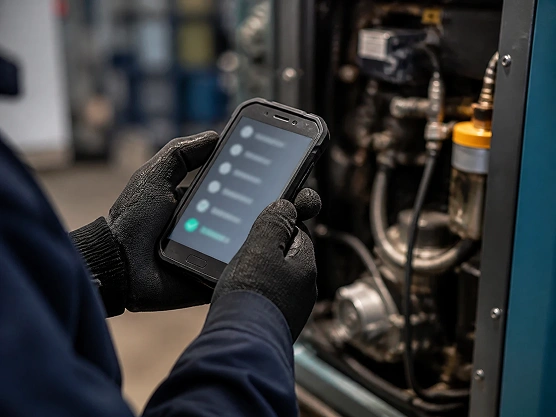
Technicians work from a phone or tablet in the middle of the job — logging a reading, snapping a photo, checking off a step — no laptop, no walking back to an office to file paperwork.
// live demo
Close a real work order. Right here.
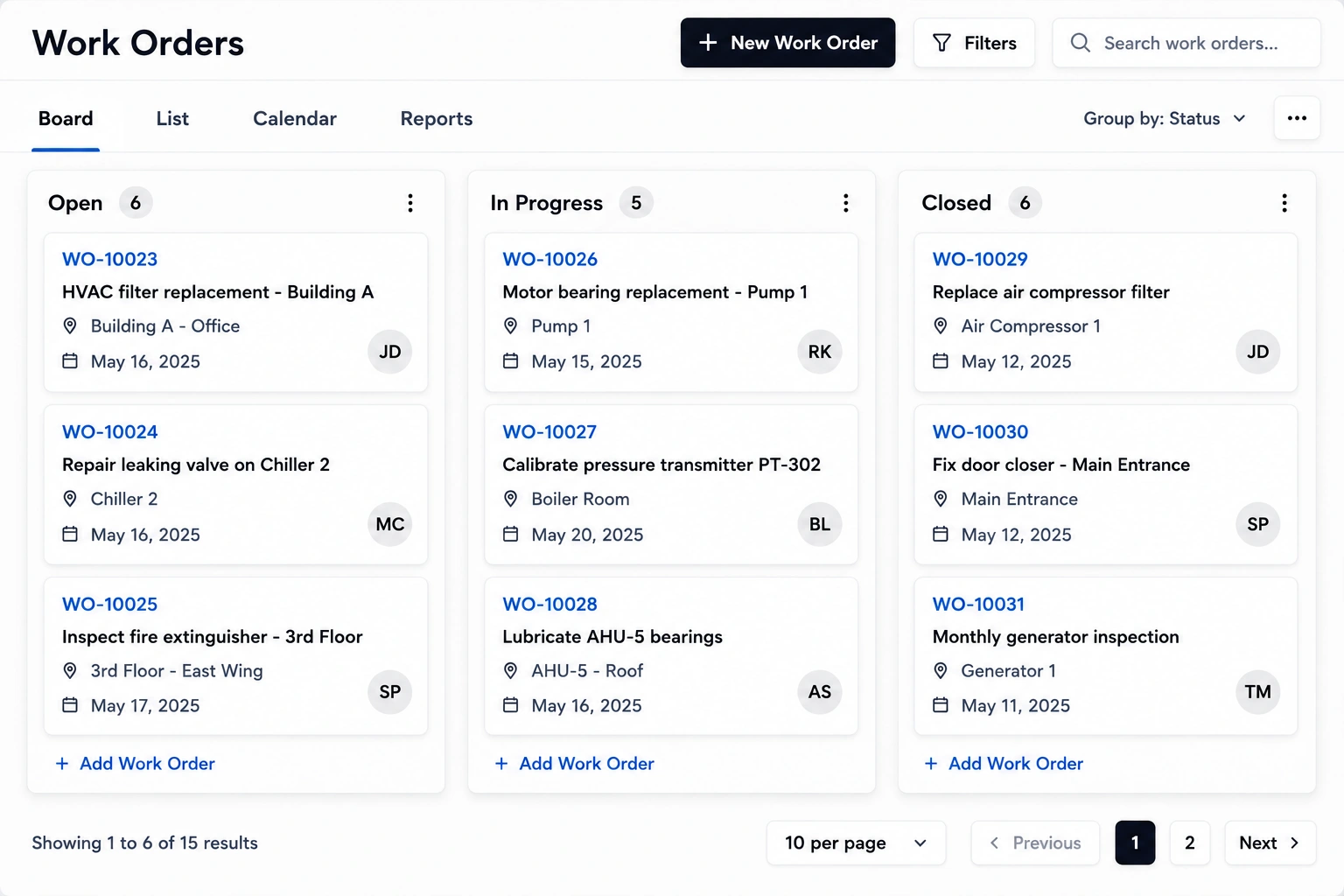
Tick the technician's checklist — watch the work order move through the board and write the asset's history.
WO-2042Conveyor B — quarterly PMIN PROGRESS
Checklist — 4 of 7↺ reset
✓
Lock out / tag out power
safety · required photo
✓
Inspect belt for wear & cracks
visual · pass/fail
✓
Check belt tension (28–32 Hz)
measurement · logged: 30 Hz
✓
Lubricate drive bearings
part: GRS-2 · 2 shots
Inspect rollers & alignment
visual · pass/fail
Test emergency stop
safety · required
Remove lock, run test cycle
5 min · vibration logged
✓ Work order closed — 42 min · logged to Conveyor B history · next PM auto-scheduled for Oct 6
Work order board — today
OPEN · 2
WO-2043
Forklift 2 — brake check
WO-2044
Dock door sensor
IN PROGRESS · 2
WO-2042
Conveyor B PM ← you
WO-2039
HVAC filter swap
DONE · 1
WO-2041
Pump P-12 seal
WO-2042
Conveyor B PM ✓
Asset history — Conveyor B
todayQuarterly PM — 7/7 checks · belt tension adjusted
Apr 03Quarterly PM — bearing lubed, no findings
Feb 17Breakdown — motor overload, 3.5h downtime
Jan 06Quarterly PM — belt replaced (part #BLT-40)
Every closed work order writes history automatically — downtime cause analysis becomes a query, not an archaeology dig.
Every inspection, repair, and part swap attaches to the machine itself — so the next technician, or the one three years from now, knows exactly what's been done and what's due.
What's in the box
Everything a maintenance team runs on.
Work orders
Create from breakdowns, requests, or schedules — with priority, parts, and photos attached.
Smart checklists
Step-by-step procedures with measurements, photo proof, and safety gates that can’t be skipped.
Preventive schedules
Time- or usage-based PM that auto-generates work orders before things break.
Asset registry
Every machine with its docs, warranty, meter readings, and full maintenance history.
Parts inventory
Stock levels, reservations per work order, and low-stock alerts tied to usage.
Offline mobile
Technicians work gloves-on from a phone or tablet — syncs when coverage returns.
Request portal
Anyone reports an issue with a photo; managers triage into work orders in seconds.
Downtime analytics
MTBF, MTTR, cost per asset — the numbers that justify replacing that one machine.
AI insideFailure descriptions are auto-classified, recurring breakdowns clustered by probable cause, and PM intervals suggested from your actual failure history — connect it to our AI-native ERP and parts reorder themselves too.
Offline mobile app
Everything a technician needs, gloves-on.
The same checklists, work orders, and asset history — built for a phone or tablet on the shop floor. No signal? No problem: the app queues everything and syncs the moment coverage returns.
✓Full work-order checklists with required photos
✓Scan or search any asset's full history
✓Works completely offline — syncs automatically
✓Built for gloves, sunlight, and dirty screens
✓Barcode / QR asset scanning built in
✓Native apps for iOS and Android — not a wrapped webpage
iOS & AndroidOffline-firstQR / barcode scan
9:41
F
FieldOps
MJ
WO-2042 · Conveyor BPM
Checklist progress0/4
Lock out / tag out
Inspect belt wear
Check belt tension
Lubricate bearings
4 checklist items remaining
Asset lookup
Conveyor B
Next PM: Oct 6 · 3 open items
today
Quarterly PM — 4/4 checks
Apr 03
Bearing lubed, no findings
MTBF
62 days
Downtime
3.5h/yr
Orders
Assets
Inventory
Profile
The numbers that matter
Downtime becomes a number, not a guess.
MTBF, MTTR, and cost per asset — the data that justifies a repair-vs-replace decision, backed by a maintenance history you can actually query instead of reconstruct.
// start
How many assets? How many technicians?
Tell us your plant, fleet, or facility — we'll map it to modules and quote a fixed price within 24 hours.